Work smarter, not harder. With all of the decisions we need to make as designers, it's helpful to find ways of streamlining our workflows so we can think more about the work itself.
All of the below apps have great keyboard shortcut support for power users.
🤩 Check out the bonus tip at the end to learn how to get all of these apps, an $83 value, plus 150 more paid apps, for less than $10 per month.
PixelSnap ($25)
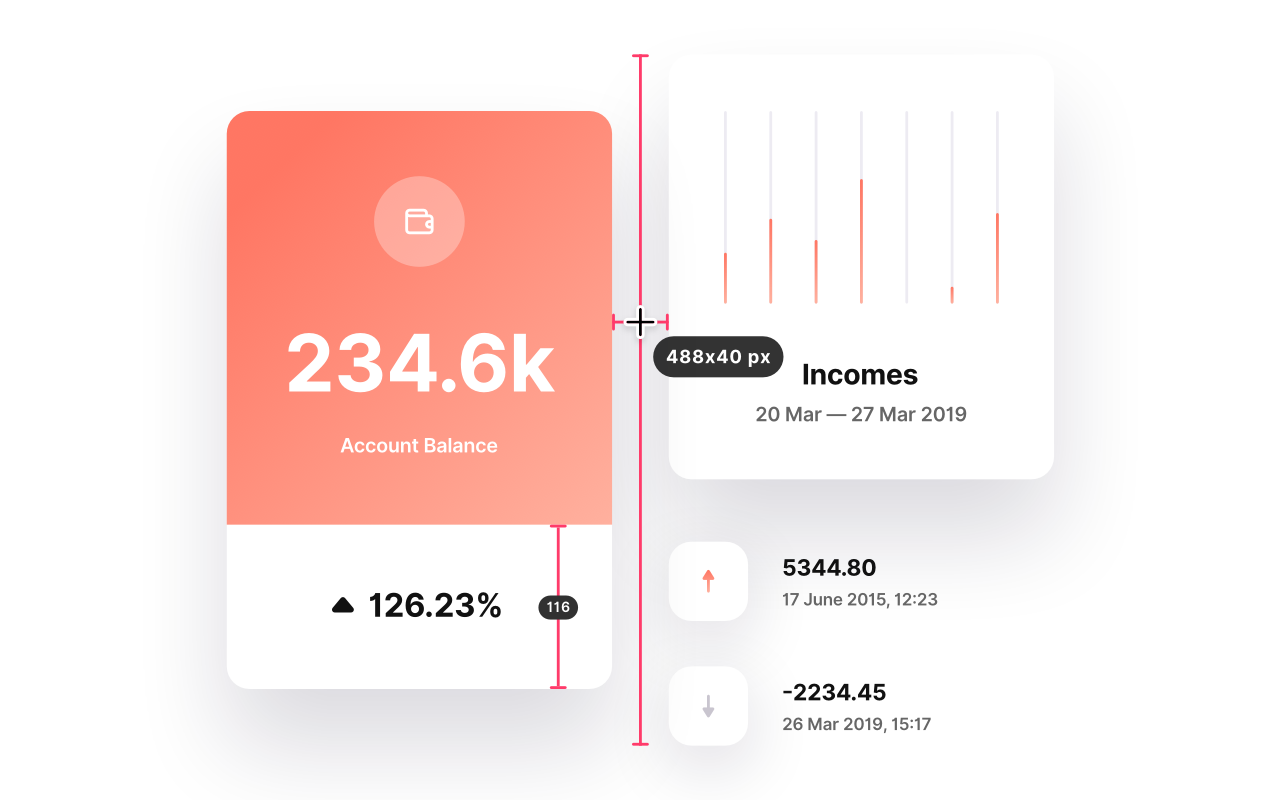
The fastest tool for measuring anything on your screen
Has integration with Sketch and Adobe XD!
Cleanshot ($19)
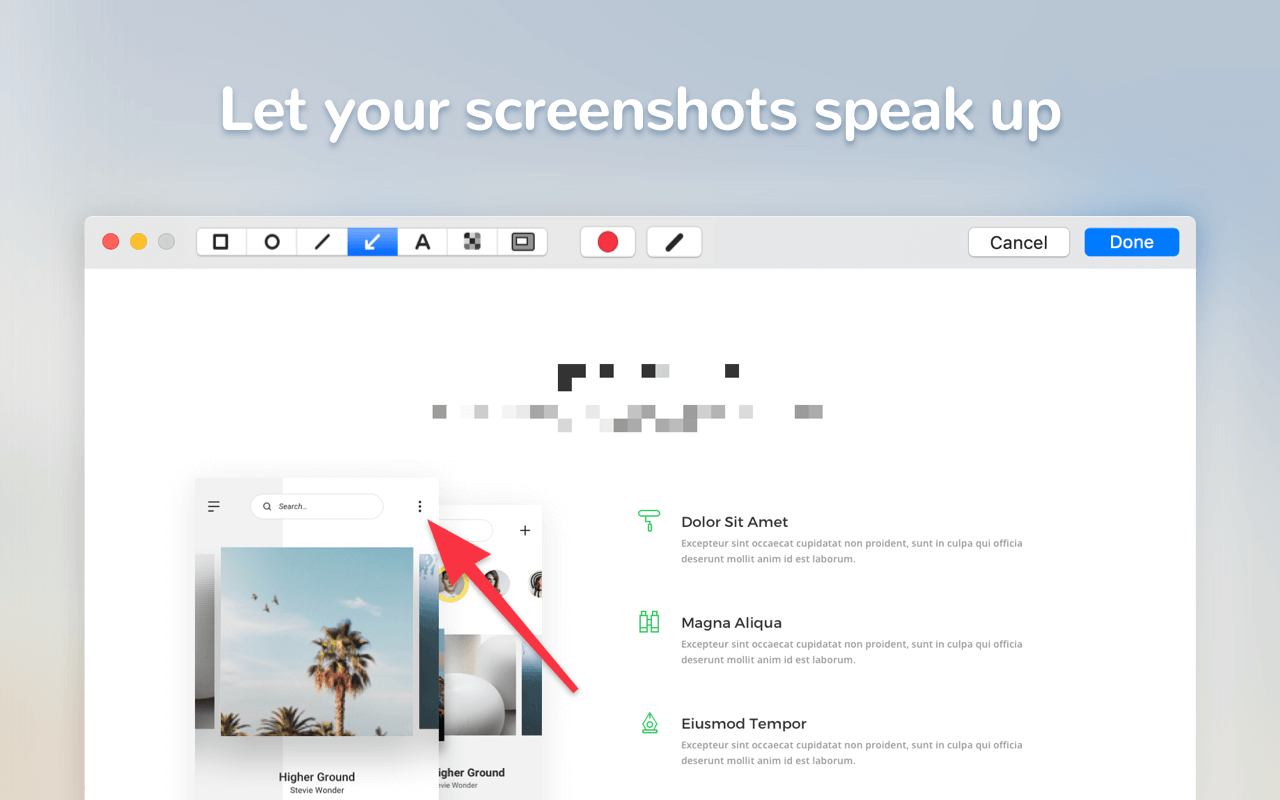
Users of Skitch rejoice! If you've been looking for a simple yet powerful screenshot tool to replace Skitch, this is your answer.
Capture your screen in a superior way!
Integrates with PixelSnap above.
Sip ($10)
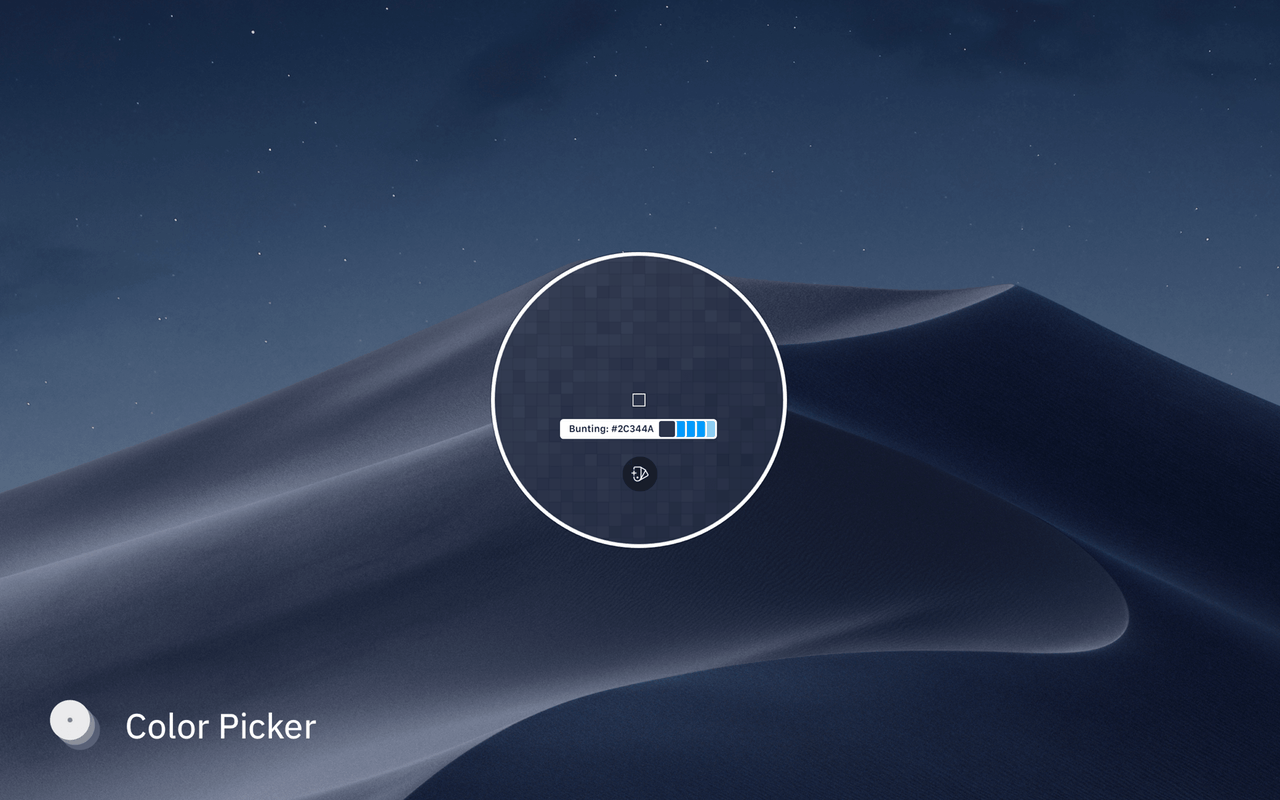
I use this countless times every day to grab the colour of anything visible on my screen.
A better way to collect, organize & share your colors.
Goldie ($5)
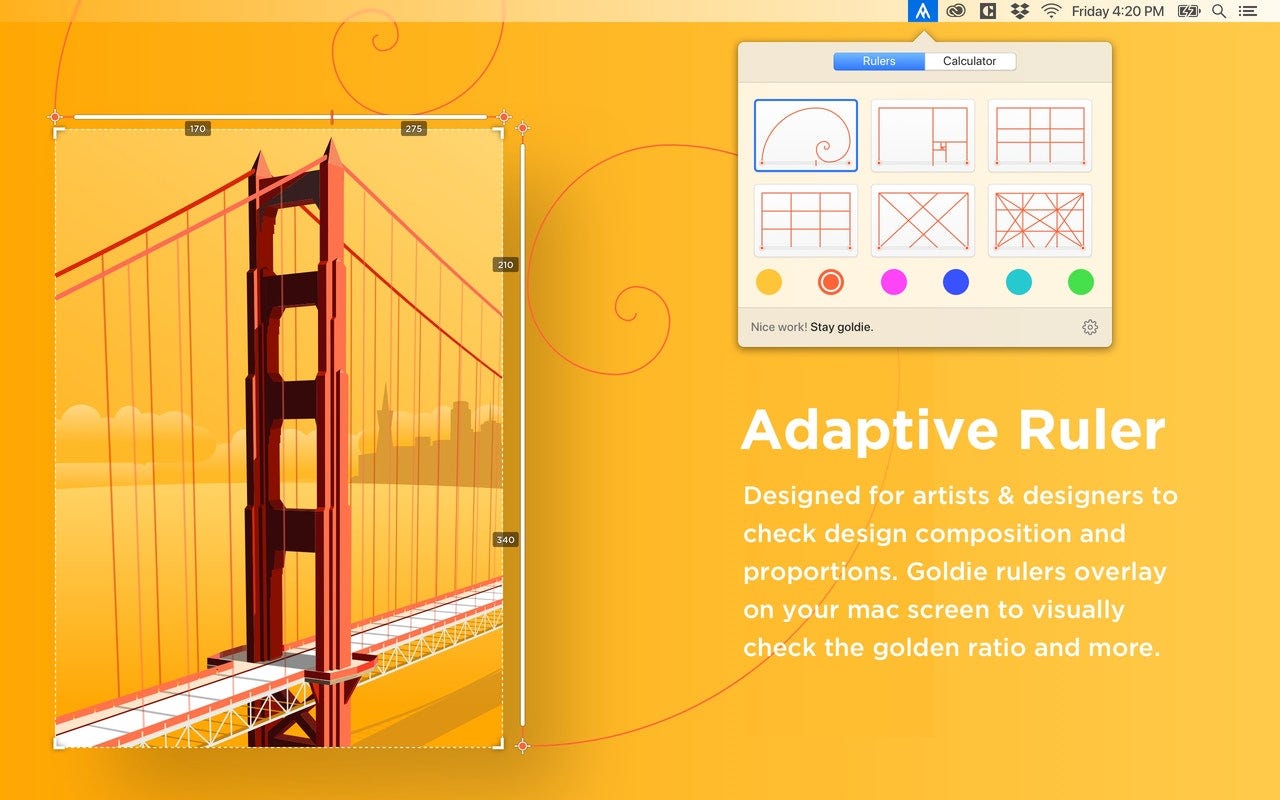
A designer's ruler with superpowers
Noizio ($9)
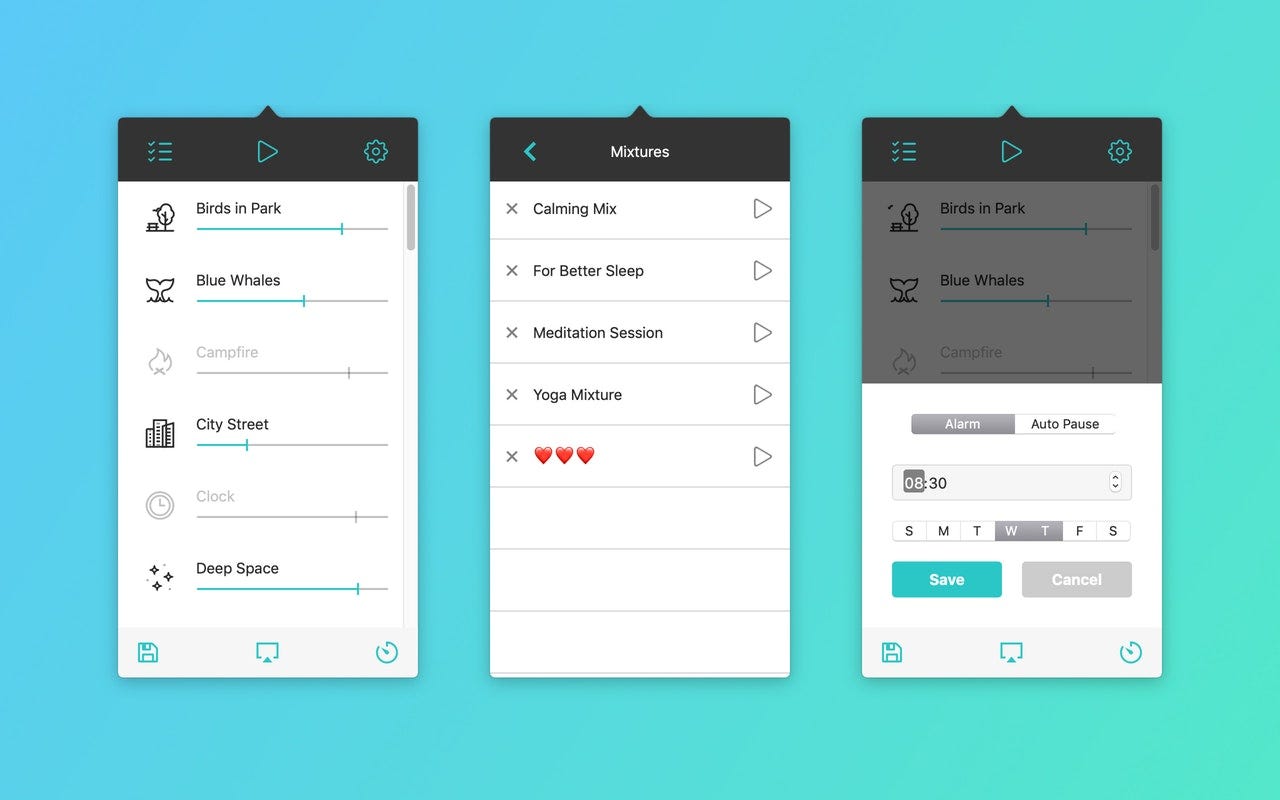
I find lyrical music too distracting for tasks with a heavy cognitive load.
Ambient sounds app to set the right mood
To get your AirPods connected in lightning speed setup a keyboard shortcut using ToothFairy ($5).
Paste ($15)
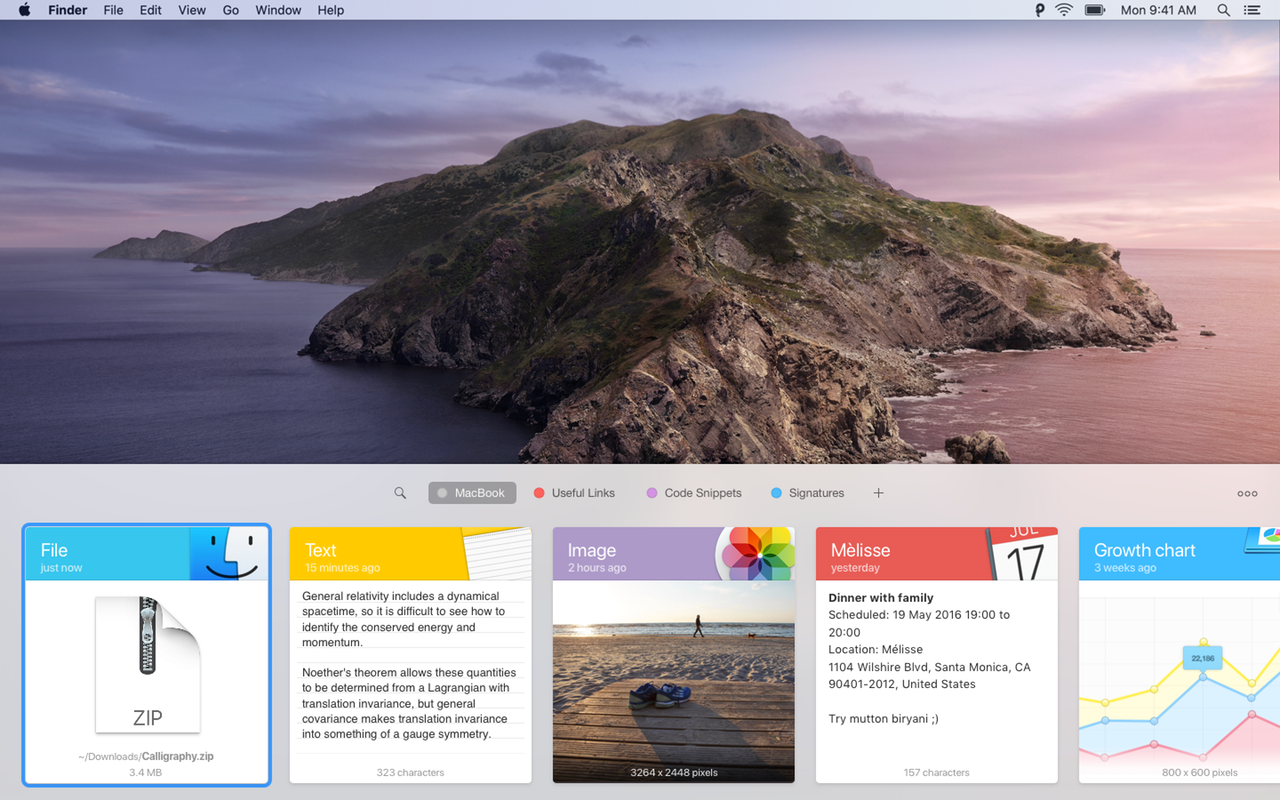
Once you've used a clipboard manager you'll never go back. Directly displays colours grabbed using Sip. Paste feels like part of macOS — any Mac I use feels broken without it.
The new way to copy and paste on Mac and iOS
🤩 BONUS TIPS 🤩
All of the above apps, and 150 more paid apps, are available through a SetApp subscription for only $9.99/month.
If you find your menubar filling up from all of your fancy new tools, use Bartender ($15) to clean up that visual noise; it's also available through a SetApp subscription.